
Real PDF sample
North Shore Paint Co
Classic layout · painter finish work
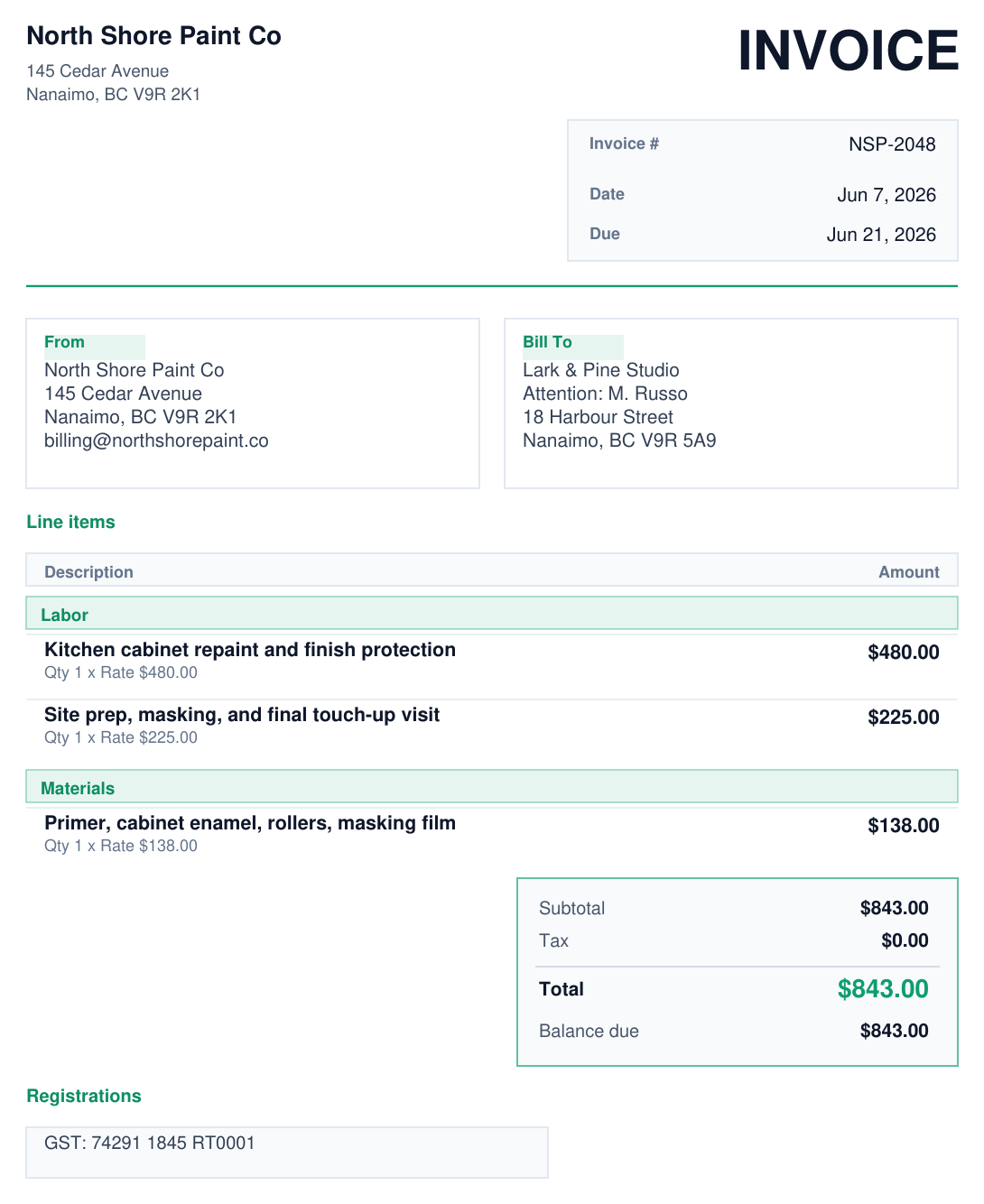
A repaint invoice with labor, materials, and a balance block that still feels polished on first open.
Open sample PDFExported from the app
NoteBill helps freelancers, contractors, and small business owners turn messy job notes into client-ready invoices on the phone without fighting blank templates or bulky accounting tools.
Free install on Google Play. Paid unlocks the repeat workflow: saved client details, sends, reminders, payment links, memory, and sync when the app becomes part of your monthly routine.
Review first
Money and wording stay visible before you save or send.
Phone-first
The workflow feels designed for the same phone where the notes already live.
Billing nearby
Save, payment link, and follow-up stay attached to the same invoice.
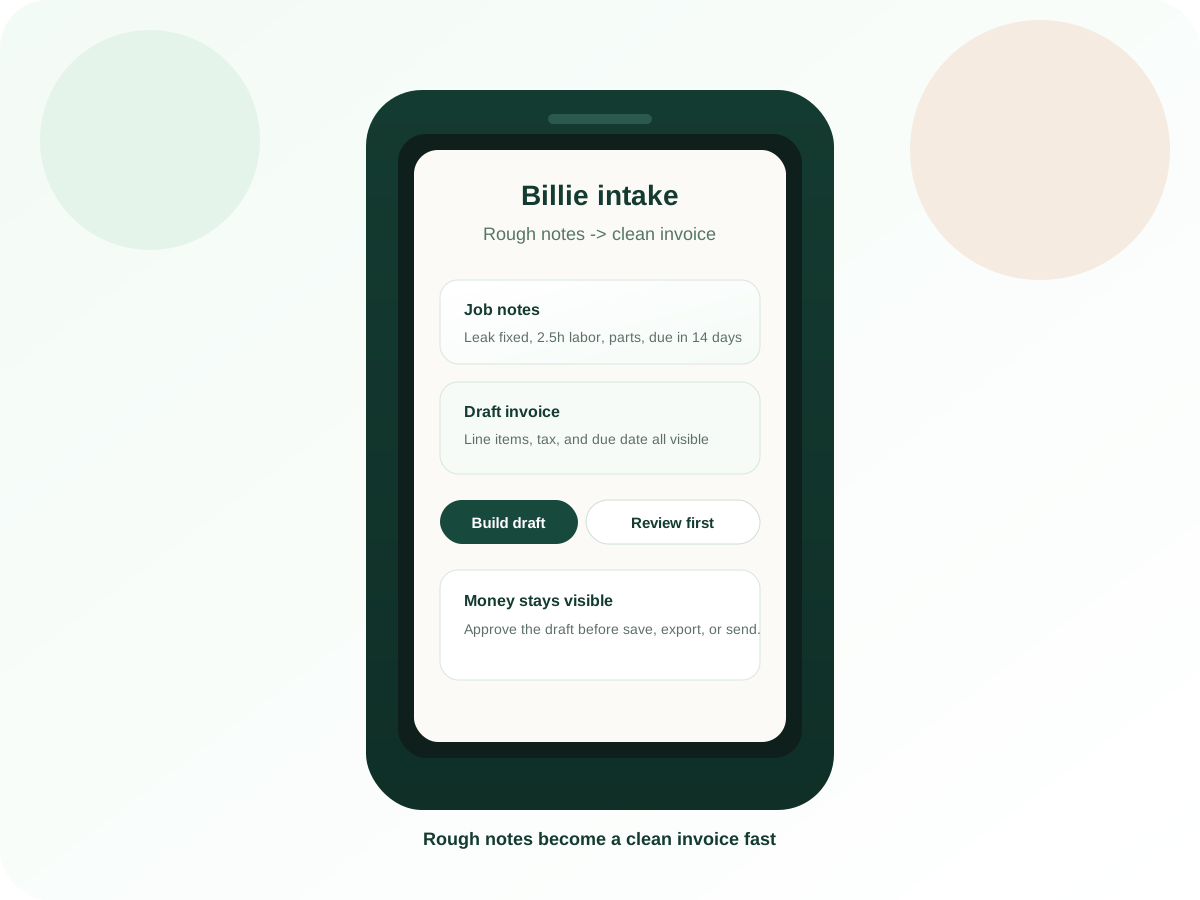
What the install gets you
Start from the notes you already have instead of rebuilding the invoice from scratch.
Billie helps shape the draft, but the workflow still slows down at the right moment so you can review the money and wording before anything goes out.
Cleaner than templates
You are not dropped into a blank invoice form before the draft is even visible.
Cleaner than app soup
Save, payment, and follow-up stay closer than they do across chat, docs, and a finance tool.
Real export proof
A real sample invoice exported from the app, not a fake preview block.
What happens after the tap
01
Use the job details you already have instead of rewriting everything into a form first.
02
Billie helps structure the invoice, but the totals and final wording stay visible before you save or send.
03
Google Play billing and restore stay inside the installed app, which makes upgrades and repeat use feel more complete.
Why install instead of staying on web
Real exported invoice examples
These are actual PDFs exported from NoteBill. Each sample uses a different layout so the page shows believable work, not a placeholder illustration.
Tap a sample to inspect the full PDF
Real PDF sample
Classic layout · painter finish work
A repaint invoice with labor, materials, and a balance block that still feels polished on first open.
Real PDF sample
Minimal layout · HVAC service call
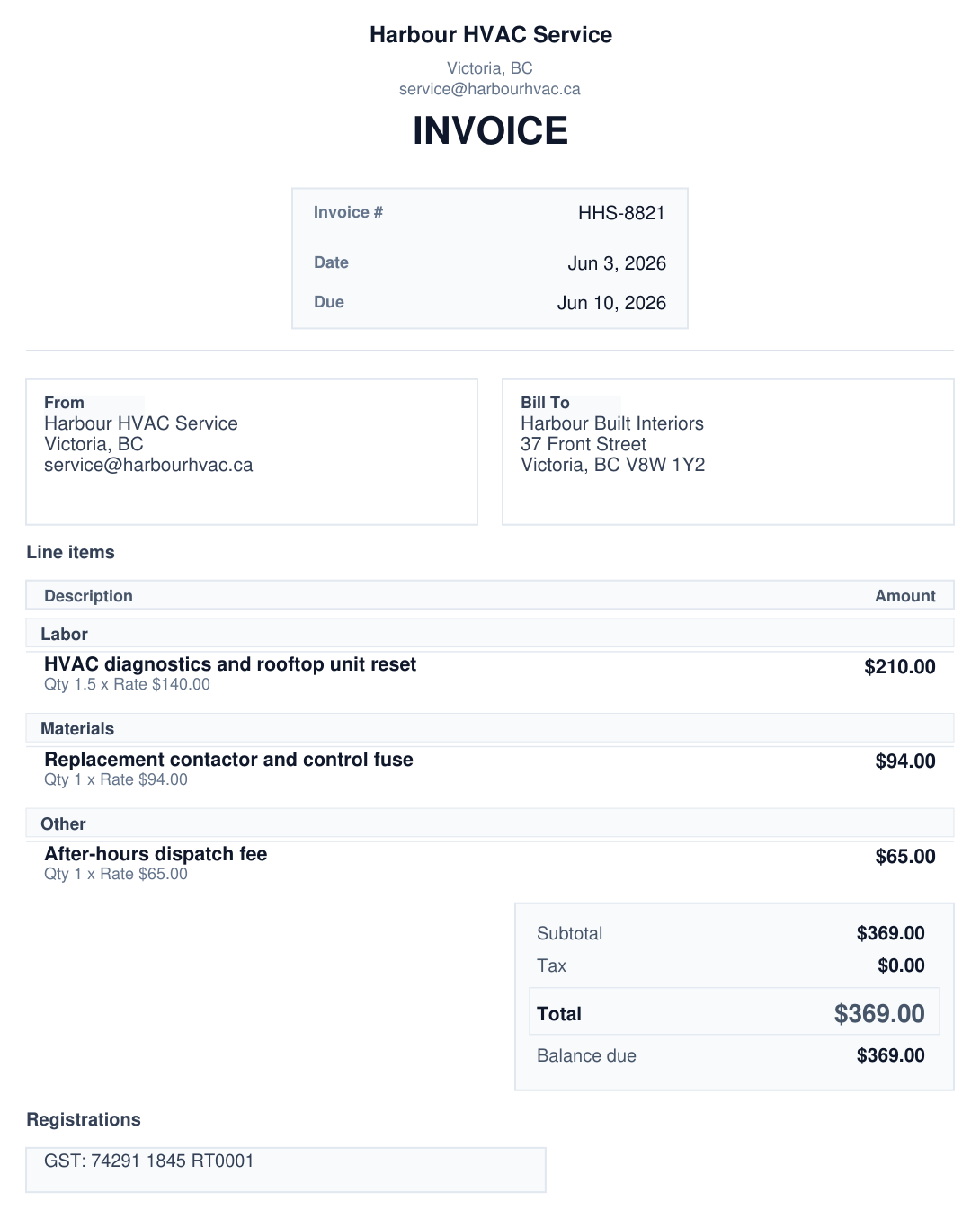
A tighter service-call invoice for diagnostics, parts, and one quick payment decision without visual clutter.
Real PDF sample
Bold layout · landscape monthly billing
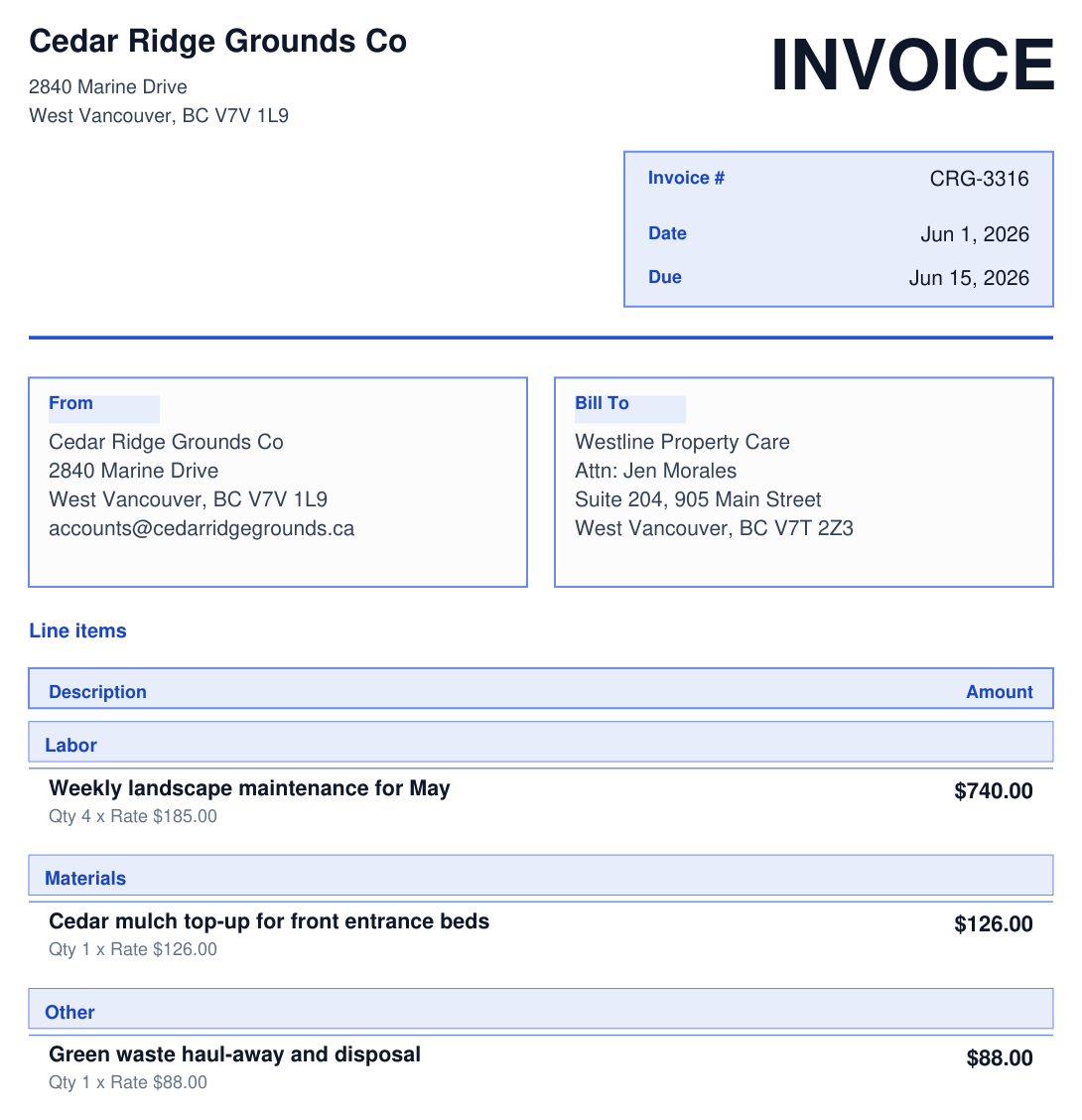
A more branded monthly billing invoice that still feels client-safe when recurring work needs a stronger look.
What to know before you install
What it is
What it is not
Quick answers
Can I try it before I pay?
Yes. The install is free, the web draft flow is still available, and the point is to see whether the workflow earns a place in your business before you upgrade.
Do I still approve the money part?
Yes. Billie helps shape the draft, but totals, discounts, tax, and send decisions stay visible before anything becomes final.
Ready to install
If the phone is where the work starts, the app should meet you there with a clean draft, a clearer review, and an easier path to getting paid.